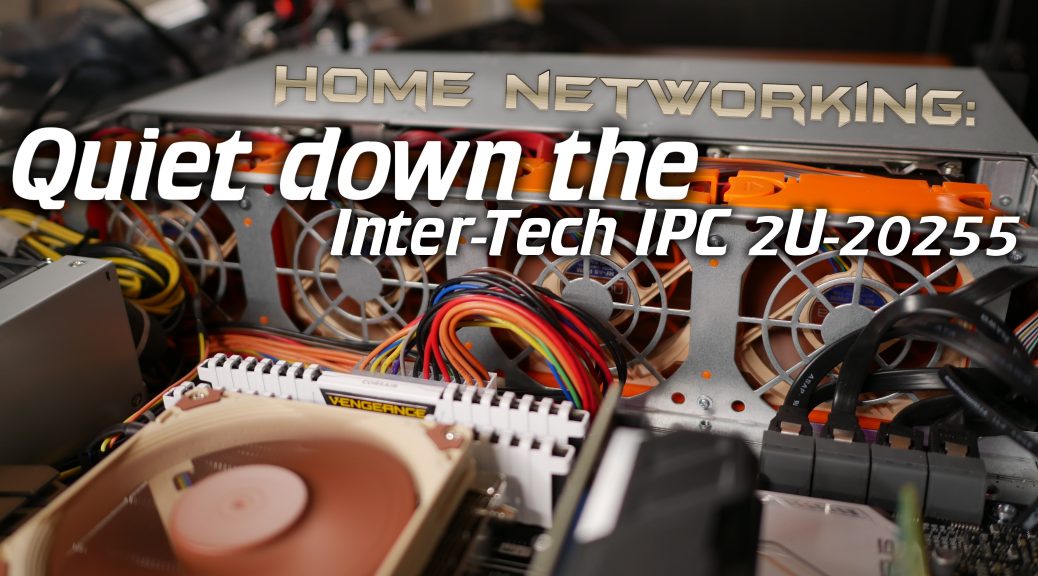
As I mentioned in my previous post about this subject, I recently built an AMD Ryzen 1700x based 2U server. Because next to running at LAN parties this server also needs to run at my home I wanted to have it somewhat quiet so I can run it in the garage without hearing it somewhere else like on my YouTube recordings
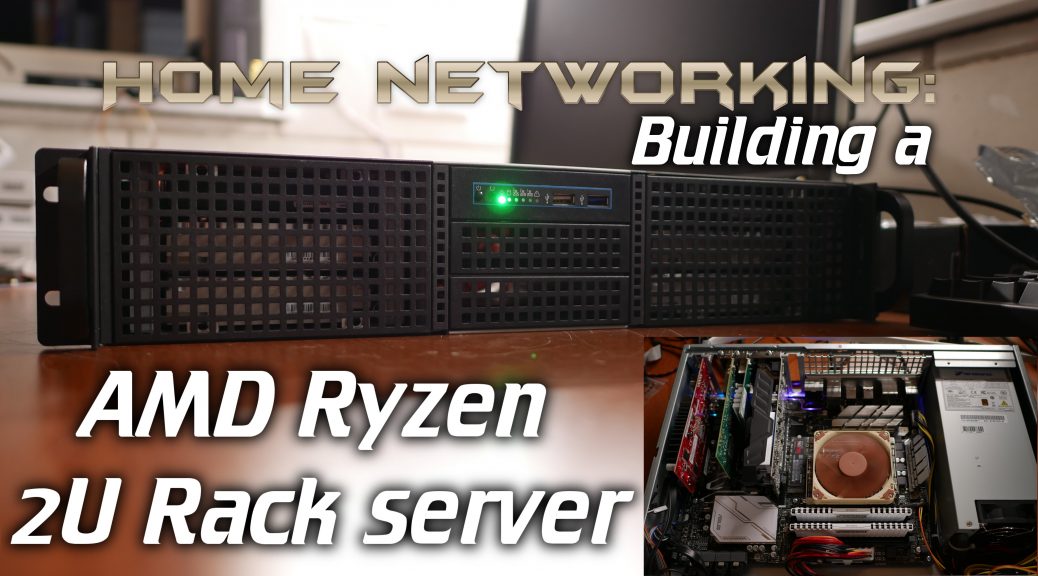
I recently had the need to build a 2U Server for home and LAN party usage. Since AMD Ryzen is now offering a very interesting 8 core CPU with plenty of PCIe lanes I decided to use a Ryzen 1700x. The server is running Proxmox and is even using GPU passthrough! This post will host the first video and some configuration details that are harder to convey in a video. A second video and post with more information about some hardware and the GPU passthrough will go up after this.
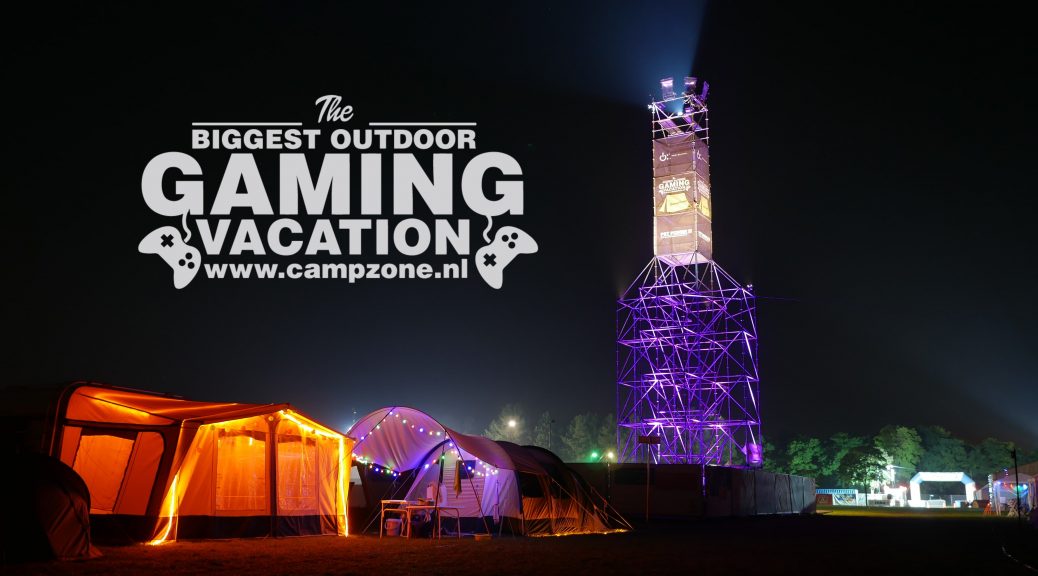
Recently we finished another LANparty, this time it was CampZone 2017! I decided to record some footage at CampZone and do a behind the scenes video, take a look!
In the previous article I showed you how to install and configure the server and storage. So now that we have a storage target running for a tenant, let’s install the Duplicati 2 client software and configure a backup!
Now that we have all the hardware (Server, USB3 disk cabinet and disks) we need to set it all up! This post will guide you through installing Ubuntu, setting up the storage and configuring the Minio S3 backend including how to deal with multiple tenants.
Ok, so now we have all the hardware selected, let’s talk OS and storage configurations, a lot of it comes down to personal preference and hardware you want/need to buy!
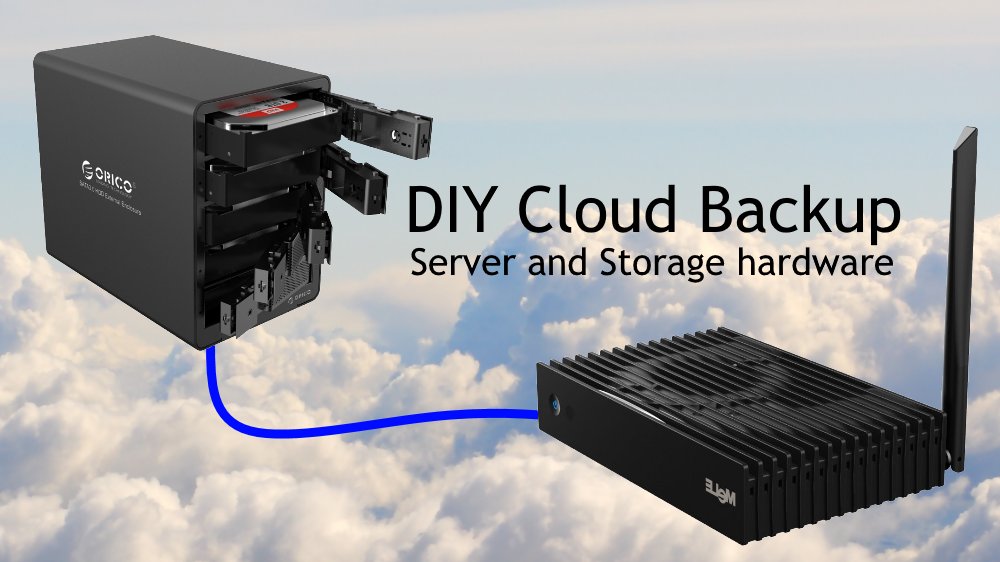
To build our DIY multi-tenant, multi-client “cloud” backup solution we’re going to need a “server” and storage. I use the term server loosely because this is anything but serve grade hardware. But since it serves the purpose of holding home backups and nothing else, it also needs to be cost effective. I believe I have found the right middle-ground in that, creating a “fast enough” setup which is also cheap enough to run.
Like many of you, I’ve been a long-time subscriber to CrashPlan Home Family. But recently I received an e-mail that this is soon going to end. Like many before it, CrashPlan is cancelling their Unlimited Family subscription, no more multi-PC cloud backup! So I started thinking, how hard would it be to “build” a self hosted replacement?
This will be a multi-article guide on how to build your own multi-tenant Crashplan replacement for yourself or you and your friends and family.